
Fill 3D is designed to generate highly realistic results by emulating the professional virtual staging workflow. Here’s what Fill 3D does behind the scenes:
Other AI virtual staging platforms generate disconcerting artifacts like warped geometry, altered colors, and more. Fill 3D is specifically designed to avoid these artifacts.

Creating a 3D Scene

Starting with an image of an empty room like below:
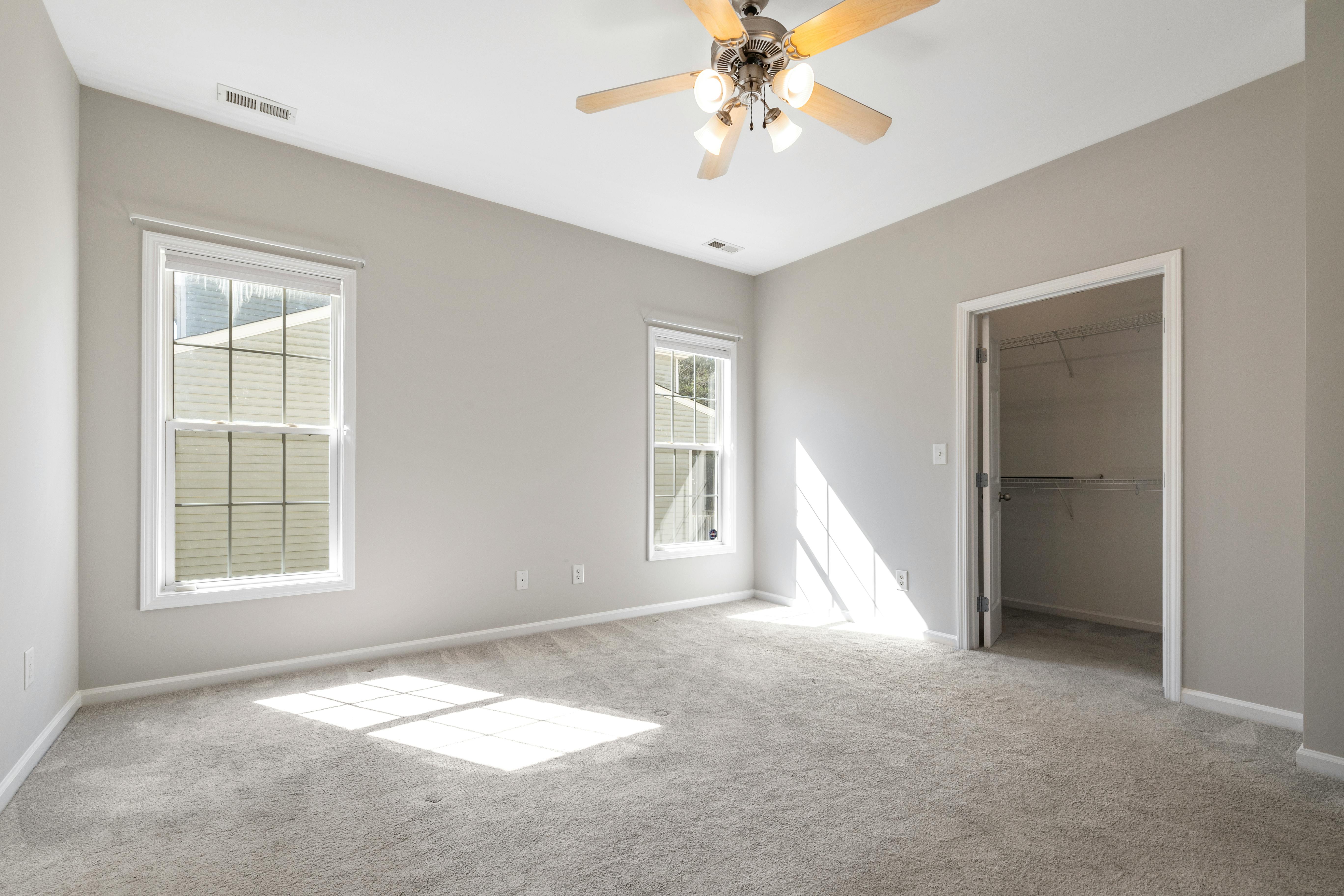
Sample room

Input images should always be empty and well-lit.

Our debut 3D AI model blend-1 generates a high-fidelity 3D scene with accurate room geometry, textures, lighting, and more. The generated 3D scene is exported to Blender: blender
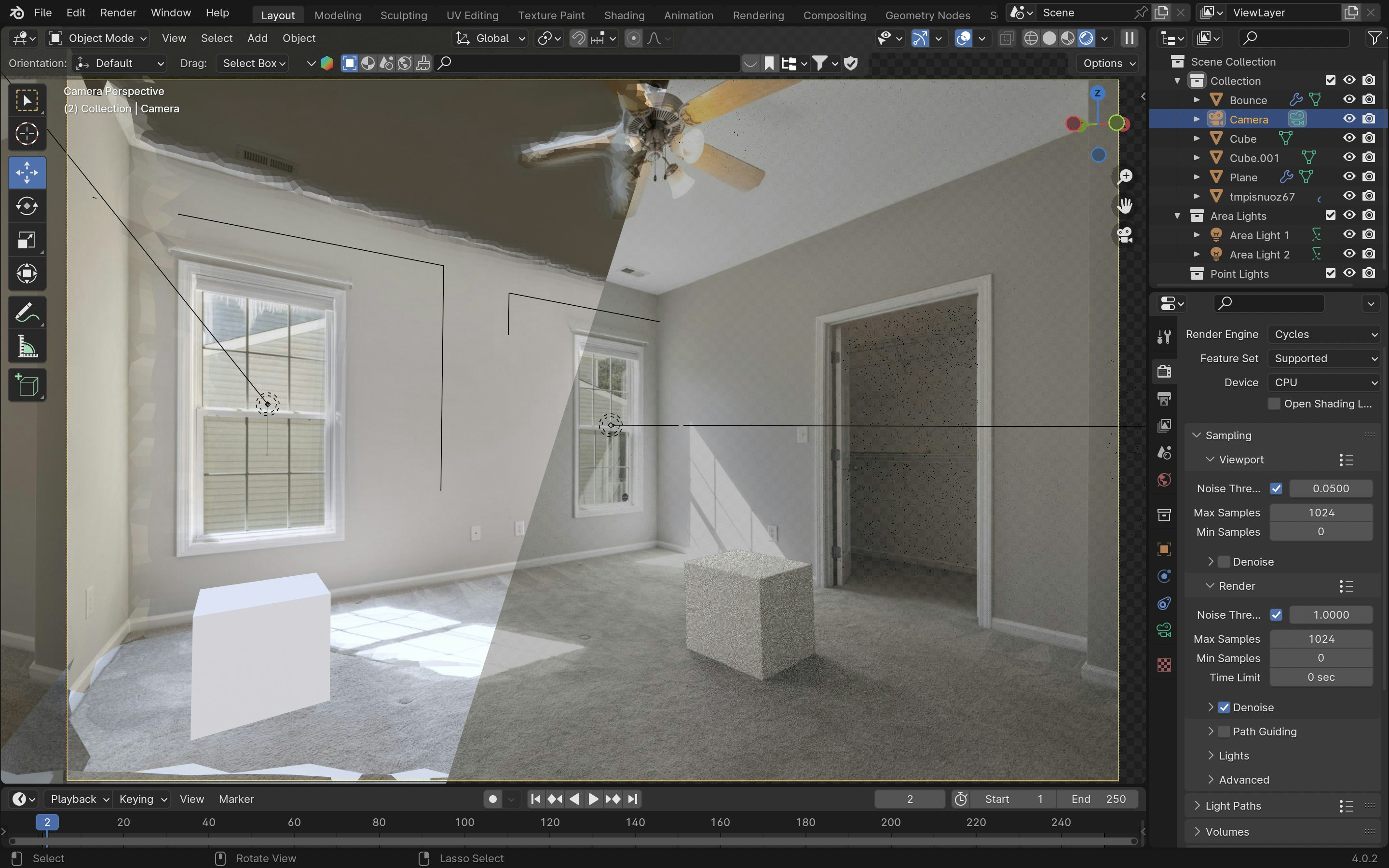
Generated 3D Scene

Download the Blender scene and check it out yourself.
The blend-1 model typically takes 30-50 seconds to generate a 3D scene from an image.

Staging the Scene

Our staging model stager-1-preview uses a text prompt to decide what furniture objects to place in the scene, and how to place them. It then generates a final image using Blender’s photorealistic renderer: Placing furniture
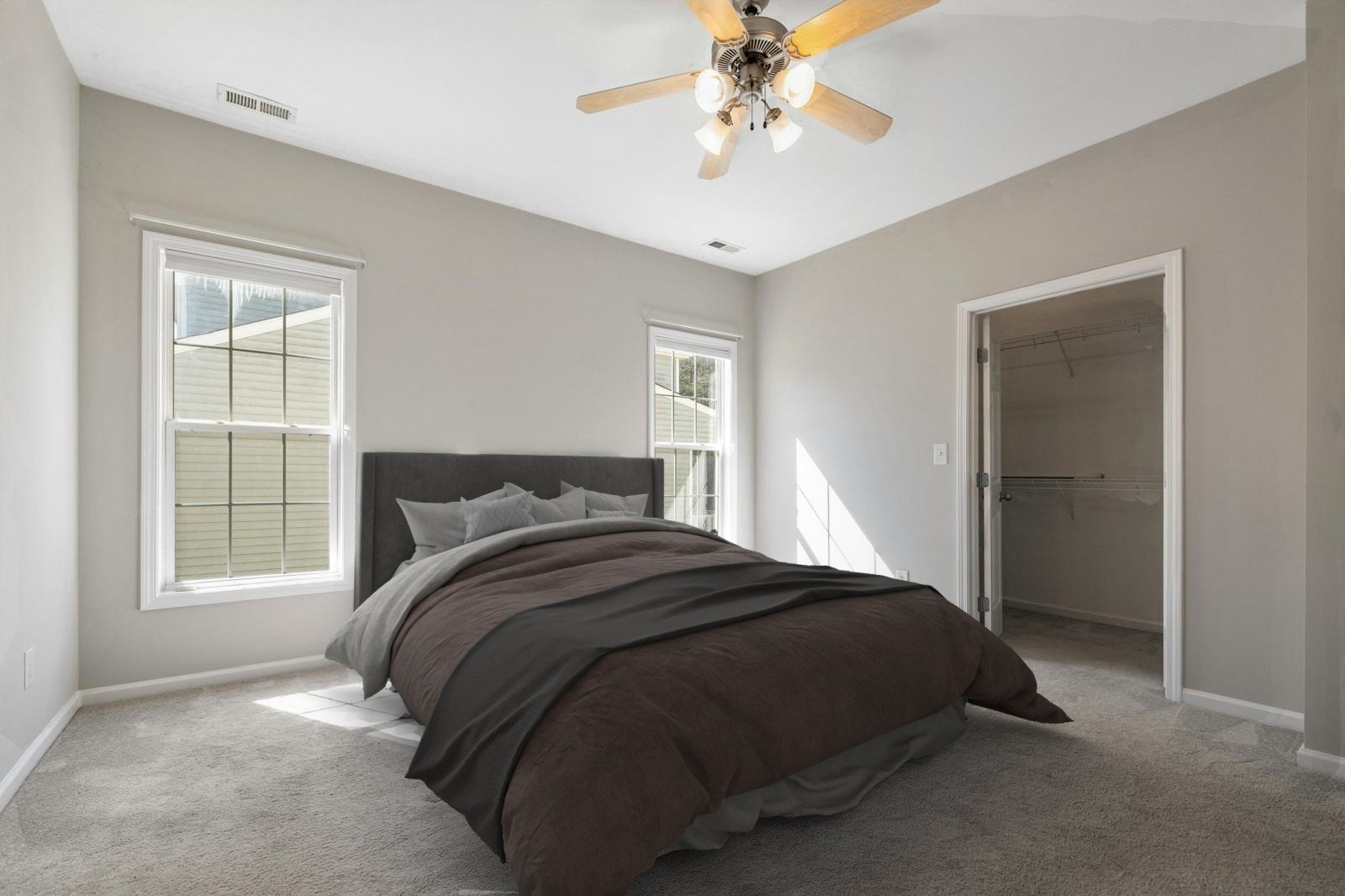
Our stager-1-preview virtual staging model is still in preview, and currently only stages with bedroom furniture. Learn more.