> ## Documentation Index
> Fetch the complete documentation index at: https://docs.fill3d.ai/llms.txt
> Use this file to discover all available pages before exploring further.
# How it Works
> Understanding how Fill 3D works.
Fill 3D is designed to generate highly realistic results by emulating the professional virtual staging workflow.
Here's what Fill 3D does behind the scenes:
Other AI virtual staging platforms generate disconcerting artifacts like warped geometry, altered
colors, and more. Fill 3D is specifically designed to avoid these artifacts.
## Creating a 3D Scene
Starting with an image of an empty room like below:
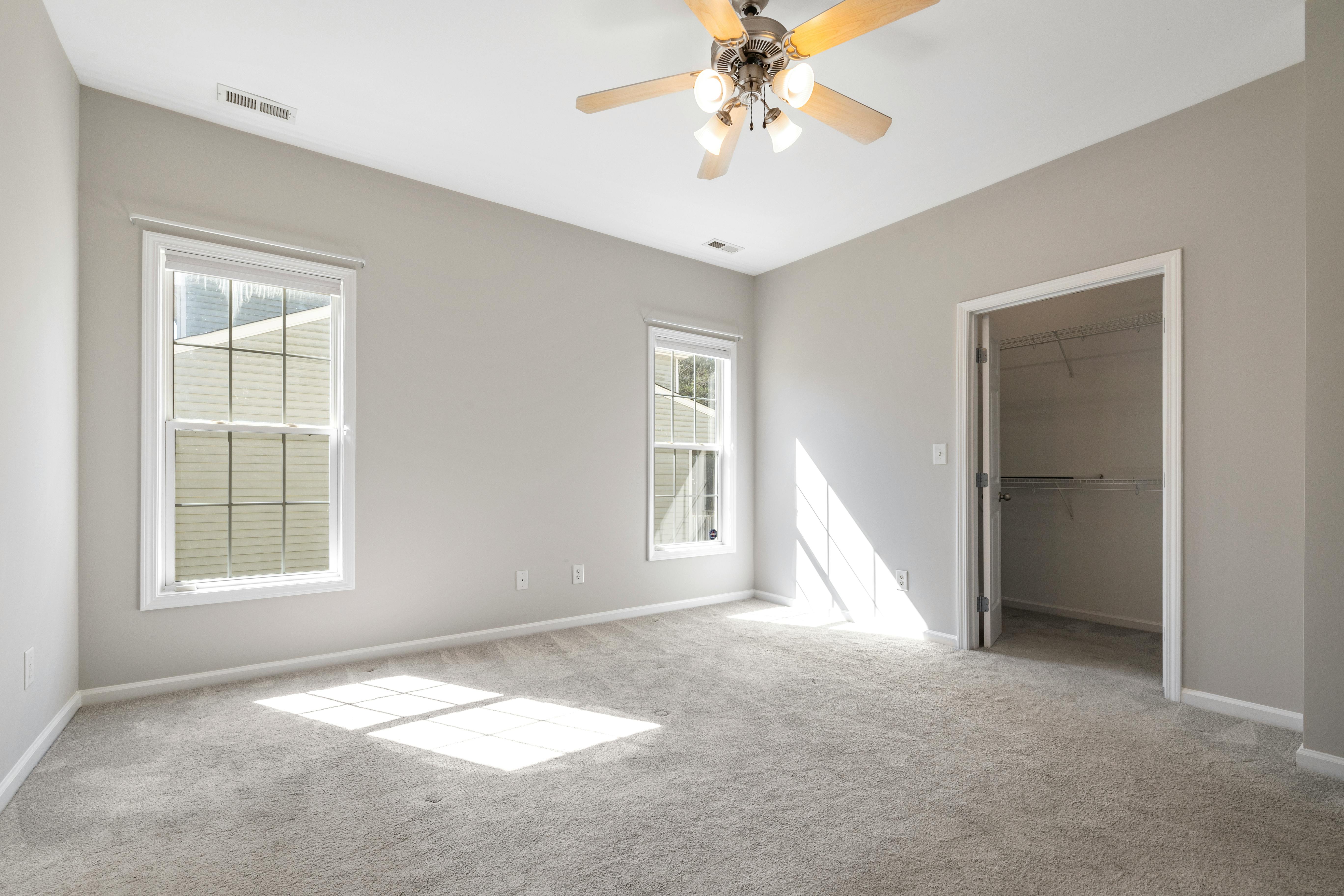 Our debut 3D AI model `blend-1` generates a high-fidelity 3D scene with accurate room
geometry, textures, lighting, and more. The generated 3D scene is exported to [Blender](https://blender.org):
Download the Blender scene and check it out yourself.
The `blend-1` model typically takes 30-50 seconds to generate a 3D scene from an image.
## Staging the Scene
Our staging model `stager-1-preview` uses a text prompt to decide what furniture objects to place in the scene, and
how to place them. It then generates a final image using Blender's photorealistic renderer:
Our debut 3D AI model `blend-1` generates a high-fidelity 3D scene with accurate room
geometry, textures, lighting, and more. The generated 3D scene is exported to [Blender](https://blender.org):
Download the Blender scene and check it out yourself.
The `blend-1` model typically takes 30-50 seconds to generate a 3D scene from an image.
## Staging the Scene
Our staging model `stager-1-preview` uses a text prompt to decide what furniture objects to place in the scene, and
how to place them. It then generates a final image using Blender's photorealistic renderer:
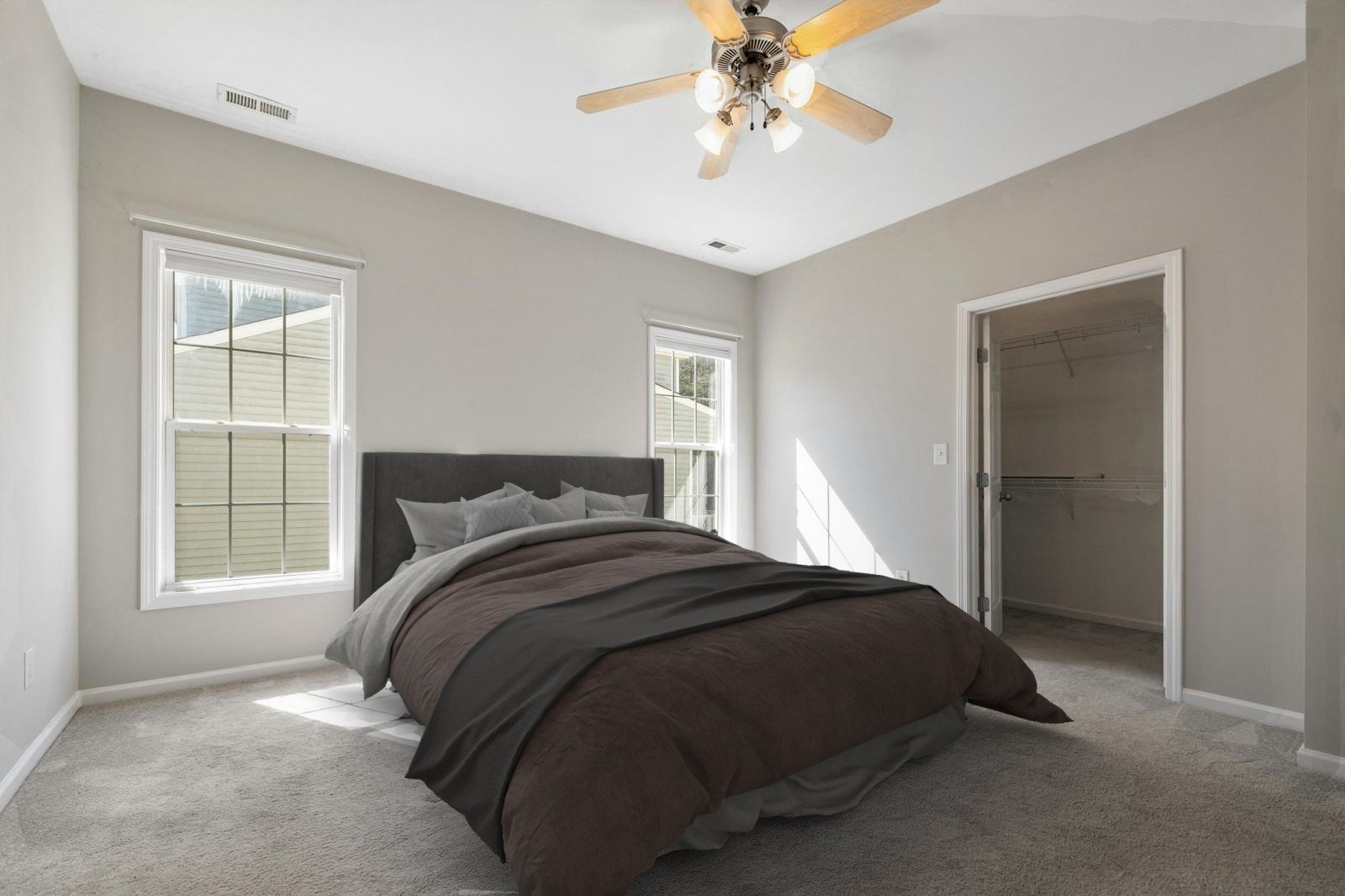 Our `stager-1-preview` virtual staging model is still in preview, and currently only stages
with bedroom furniture. [Learn more](/workflows/staging).
Our `stager-1-preview` virtual staging model is still in preview, and currently only stages
with bedroom furniture. [Learn more](/workflows/staging).